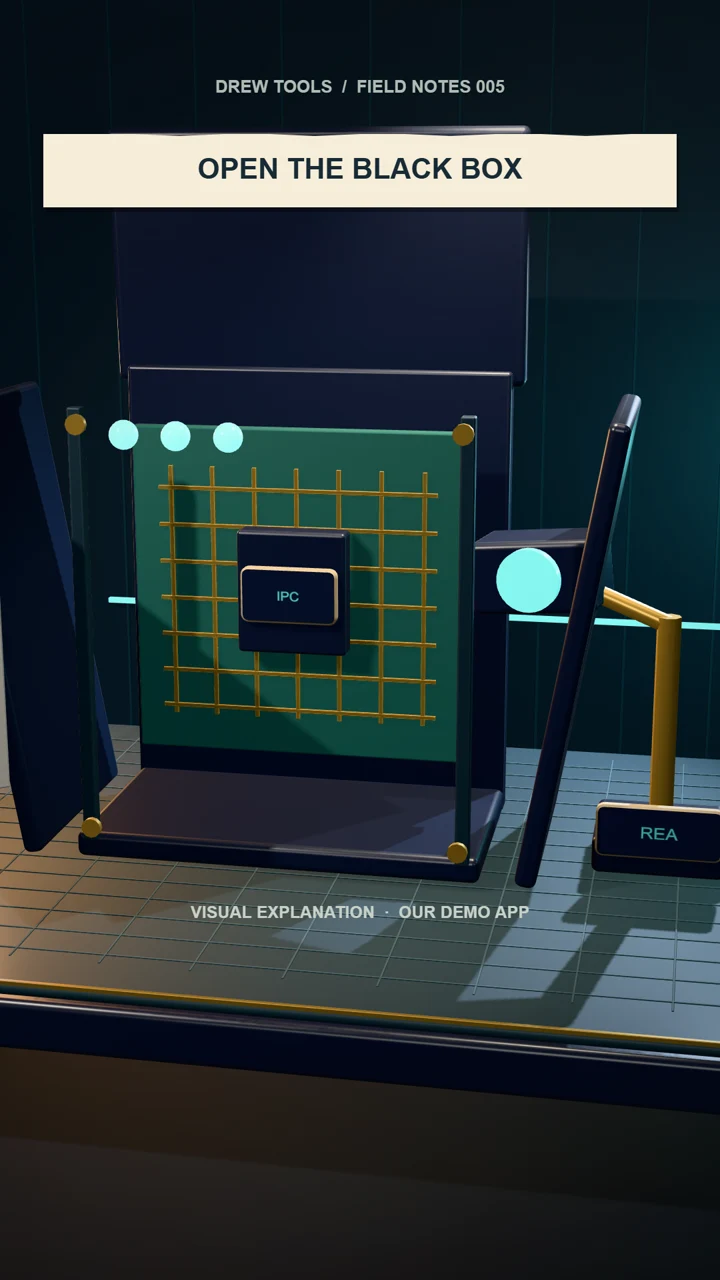
A Save button is only the surface. Underneath it may be a bridge, a message, a handler and a file write. REA gives coding agents tools to investigate those connections.
For this episode, we built a tiny, fictional Drew Ski Notes app and packaged its JavaScript as an Electron-style ASAR archive. REA identified the notes:save message and its handler. We inspected the corresponding source to understand the validation and local-file destination. This was static analysis of our own fixture; we did not run the Electron app or test a commercial product.
Get the part you came for.
- Official setup and cost notes
- A bounded investigation prompt
- Our Save-button trace and verification checklist